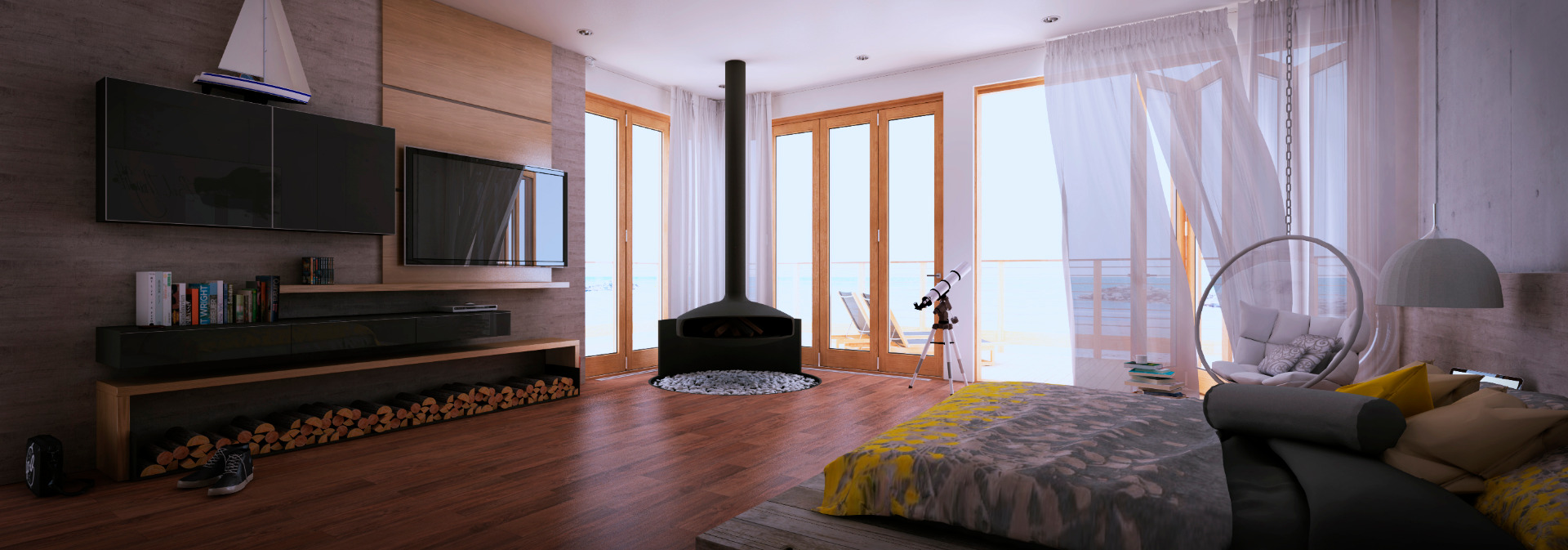
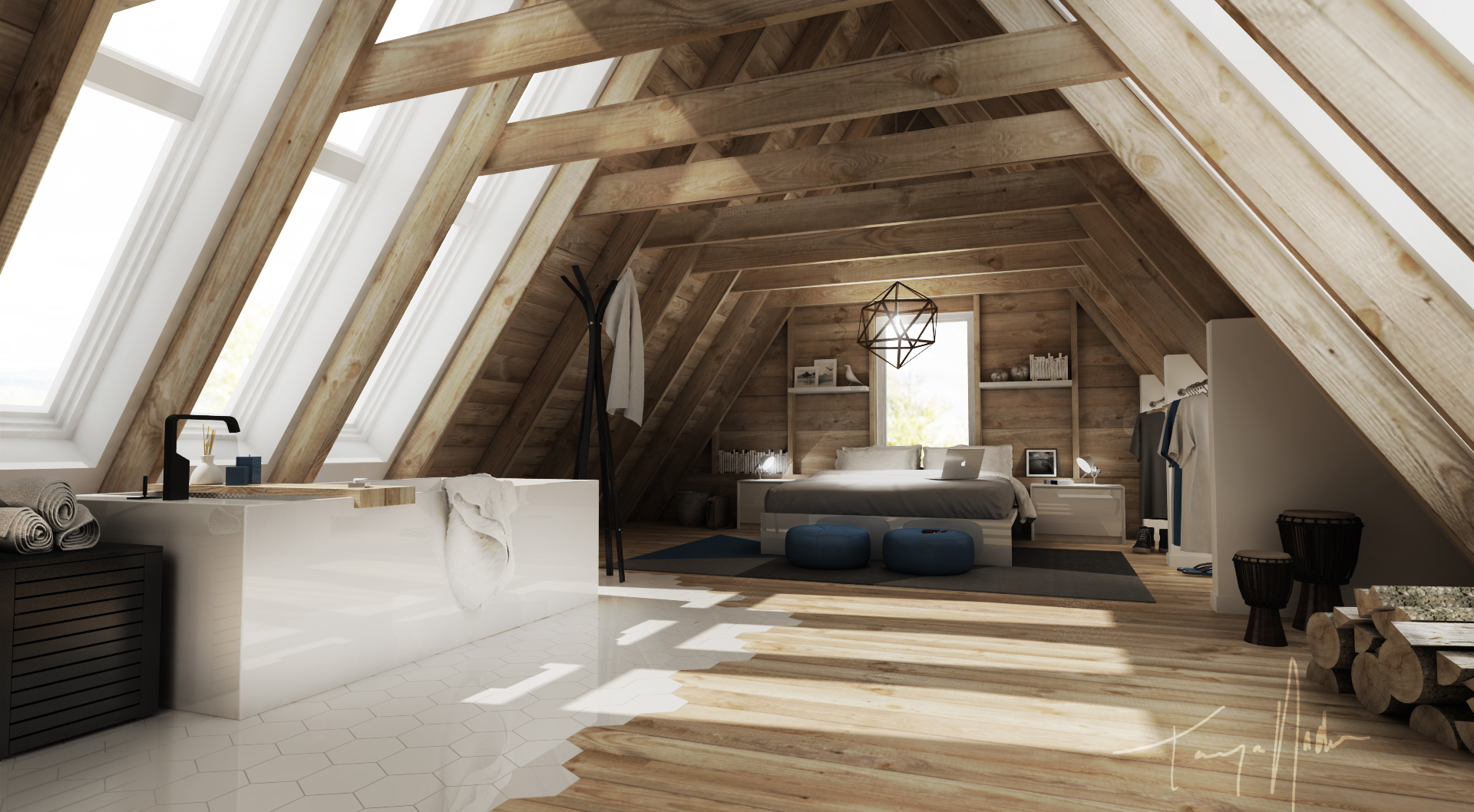
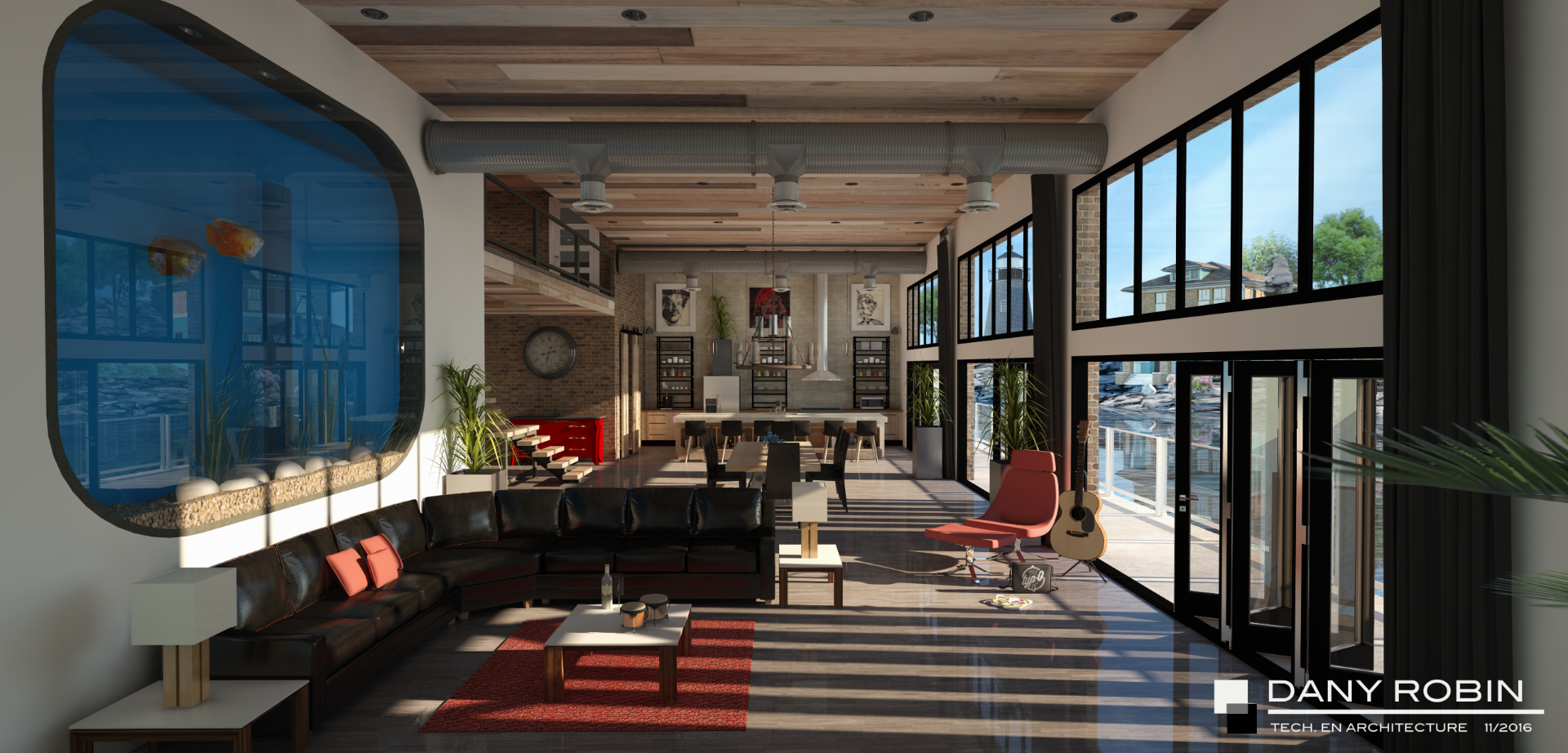
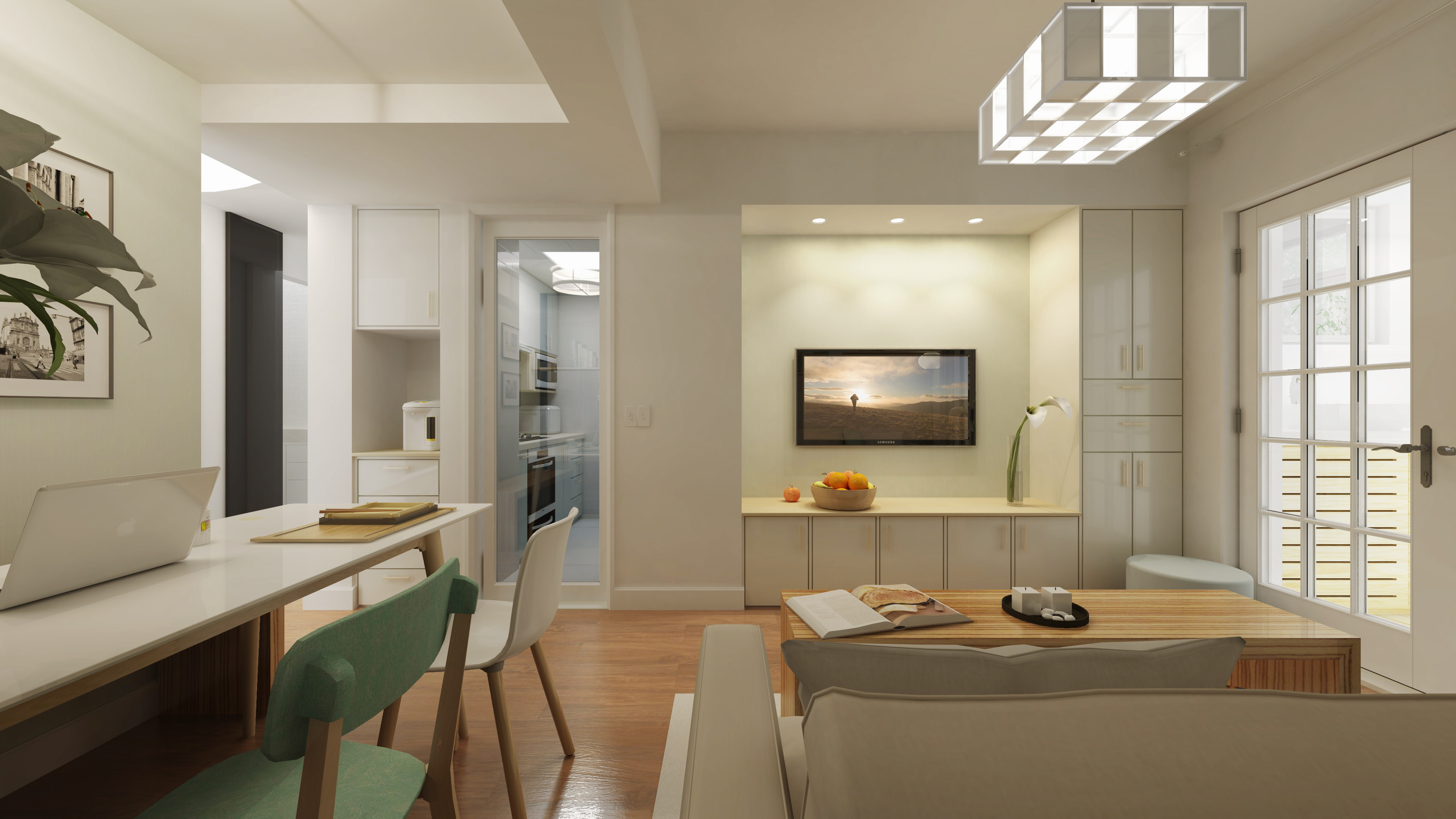
Brief description SU PodiumSU Podium is a photo-realistic rendering plug-in for Google SketchUp 6 or 7, Pro or Free, Windows or Mac. For in depth video presentation of various features of Podium, take a look at the video tutorials. Podium works entirely inside SketchUp and uses SketchUp's surfaces, textures, groups, background color and shadows to produce photo-realistic images. Anyone familiar with SketchUp's modeling methods will find Podium to be easy to use. It does not require you to learn a lot of complicated rendering techniques.
How it works 1. Select any face in your SketchUp model. 2. Then pick a value for reflection by moving the Reflect slide bar to the right in the Podium UI. 3. Optionally, paint a texture or color to the face you selected 4. Select another face or a group for your artificial light. 5. Apply light to the face or group by moving the Light slide bar to the right in the Podium UI. 6. Pick a resolution size for your image. 7. Render. In essence, that's it!! The quality of the rendering will depend on the lighting, the type of textures, the size of your SketchUp model but you can achieve satisfying results relatively quickly. Podium works completely inside SketchUp. When a SketchUp model is rendered, Podium uses Raytracing and Global Illumination to calculate how rays of light will reflect on all of SketchUp faces in the model. The rays of light come from light sources. Light sources can be the SketchUp sky, the sun (which is turned on by turning on SketchUp's Shadows), Light Emitting Materials or omni lights. Global Illumination means that faces that are exposed to indirect light will also be displayed in the image. The combination of raytracing and global illumination create high quality images. Not only is Podium easy to use, it provides quality!! Podium also takes advantage of multi-threading which means that computers with dual or quad core CPUs will render fast.
Reflection: How it works Reflections are created simply by selecting a SketchUp face and then moving the reflection slider to the right. This will cause the selected face to reflect the environment in the rendered image. You can create subtle or very reflective, life like effects, quickly and easily.
Lighting: How it works There are four different types of light sources that can be used to develop beautiful rendered images. One is Sky Light, an ambient exterior lighting that illuminates the environment equally. It is like day light on an overcast day where there is no direct sun light or distinct shadows. Sky light is controlled by SketchUp's background color. You can create a night scene simply by making the background color dark.
Bump maps Bump maps are created simply by editing the texture name to include a suffice of _bumpx ("x" being a bump map value of 1 through 5).
Light Fixture Library A free, drag and drop, light fixture library of over 200 fixtures that have omni lights built in, is available. Dropping light fixtures into SketchUp can simplify the render process.
Alpha Transparent 2D images Podium supports alpha transparent images so that you can create 2D PNG images which have alpha transparent backgrounds. After inserting these images into SketchUp, Podium will render them with no background. A free, drag and drop, Plants and Tree Library of dozens of alpha transparent images is available to customers.
High Resolution Texture library Although Podium works well with SketchUp standard textures, rendered images will look even more realistic if you import high resolution textures into your model. Podium customers can download a free texture library of dozens of high resolution texture images featuring wood, glass, water, floors, cloth, tiles, concrete, ground cover, etc.
Render image sizes Commercial version of Podium supports rendered image sizes (JPG, PNG and HDR) of 230X150, 640X480, 1024X768, 2048X1536, 3076X2304, 4076X3304, Wide screen resolutions of 852X480, 1600X900, 1920X1080, viewport resolution and 2X Viewport resolutions. Other Features Other features include: blurred reflection, which produces a subtle reflection, clay rendering, two point perspective support, soft shadows and more. Note: Images provide by Pete Stoppel (solosplace.com), Nomer Adona, Biebel, Cadalog, Inc. |