New Soft Shadows in Podium 1.7.1/ 1.7.2
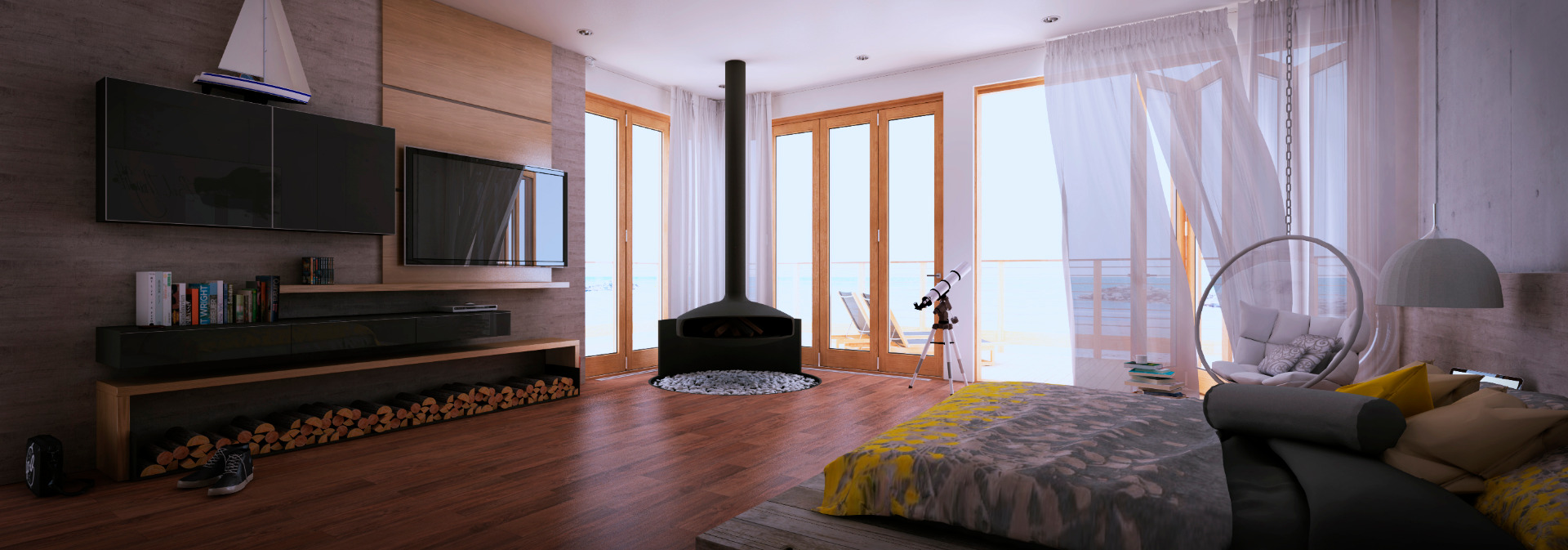
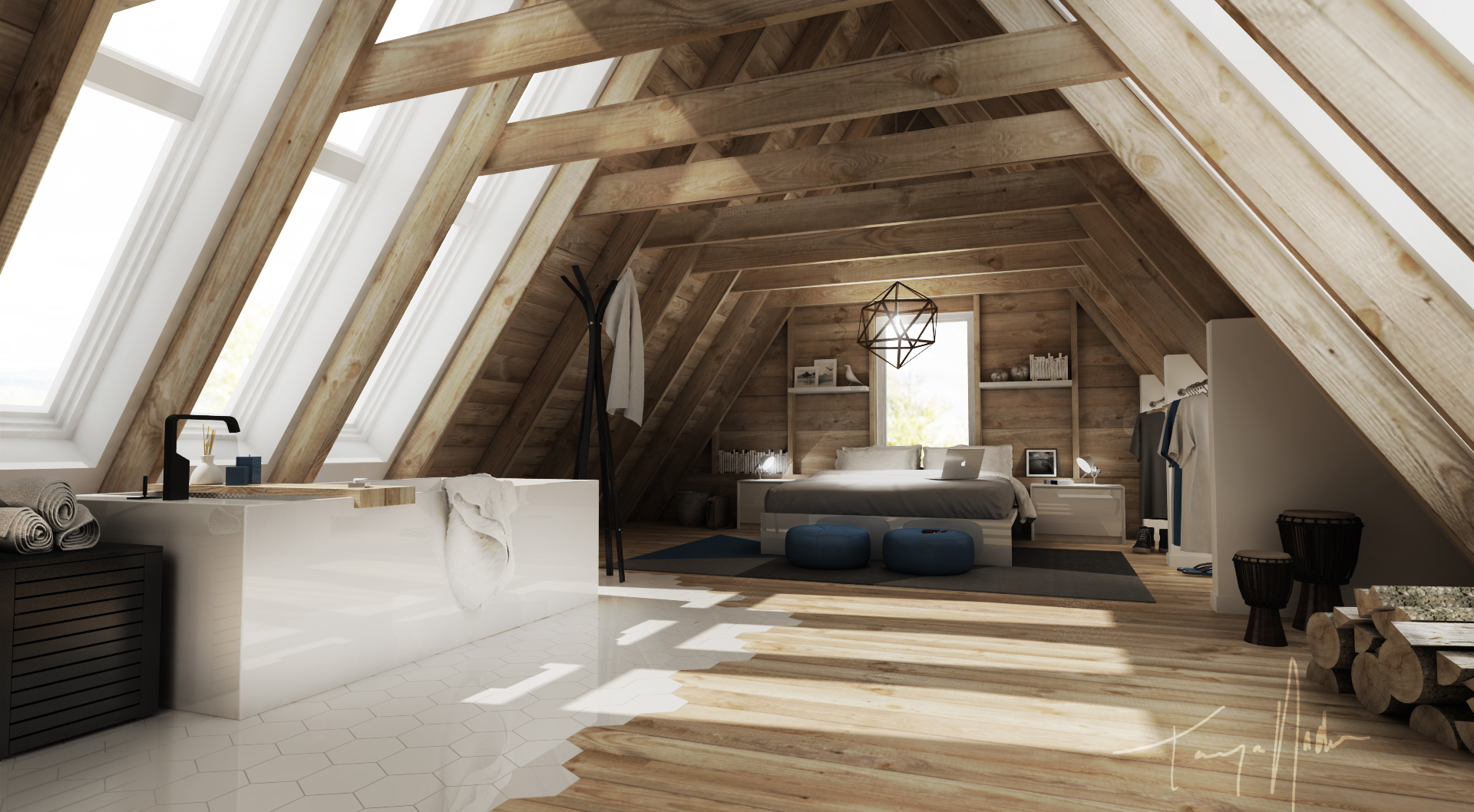
A better soft shadows algorithm has been added to Podium making this version SU Podium 1.7.1. This new soft shadows program only effect rendering speeds slightly and creates beautiful results. The below two images compare soft shadows in 1.7 and 1.7.1. Both were rendered at 1024 X 768.  Podium 1.7 Soft Shadows (Click on the image to view a larger resolution)
 Podium 1.7.1 Soft Shadows. (Click on the image to view a larger resolution to see the difference in Podium 1.7.1)

To turn on Soft Shadows in Podium 1.7.1, open the Shadow Settings dialog box in Google SketchUp. Click on Use sun for shading. Note: When Podium 1.7.1 Soft Shadows are turned on, rendering speeds will be reduced slightly. To download SU Podium 1.7.1, you must own a license of SU Podium. Download it from the Registered User area.
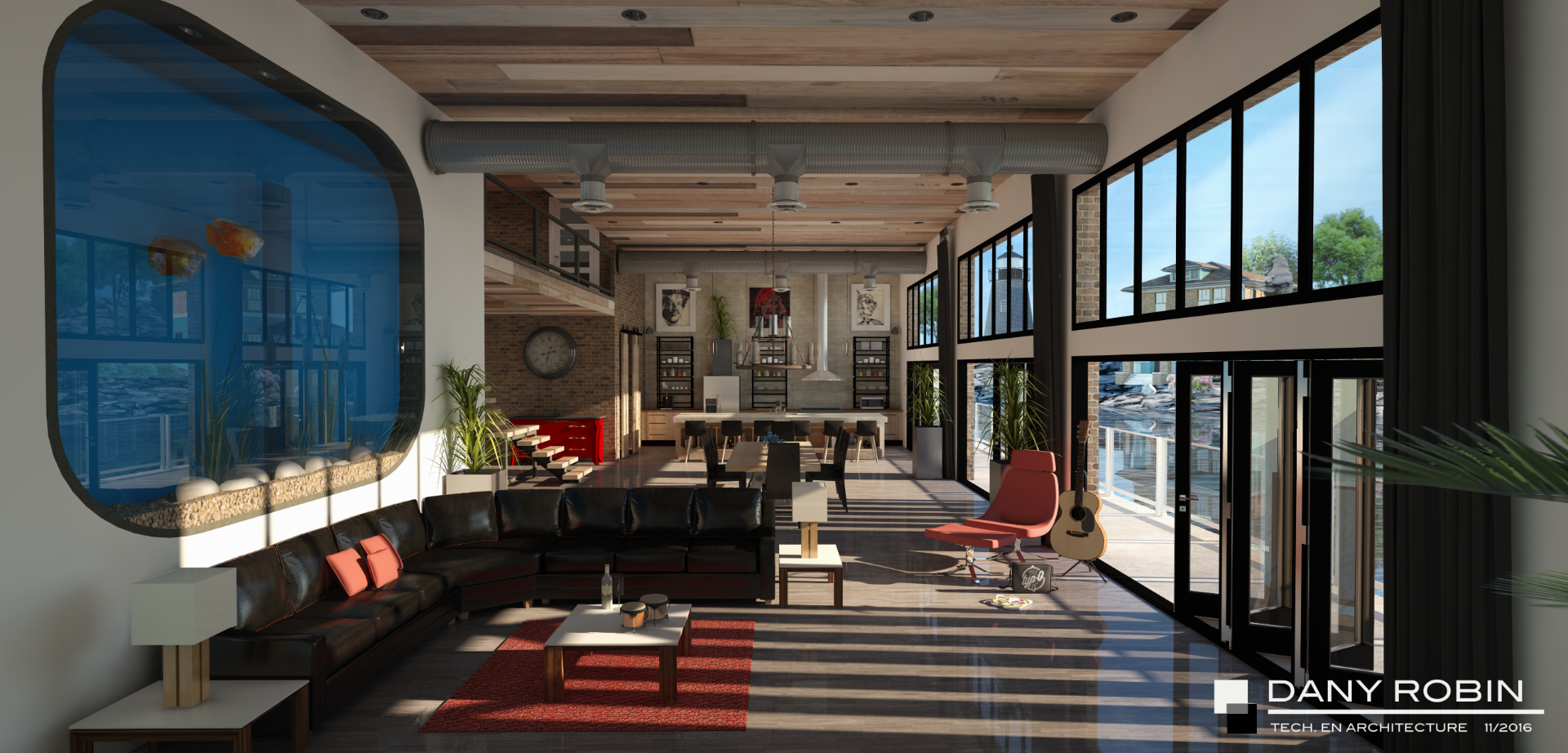
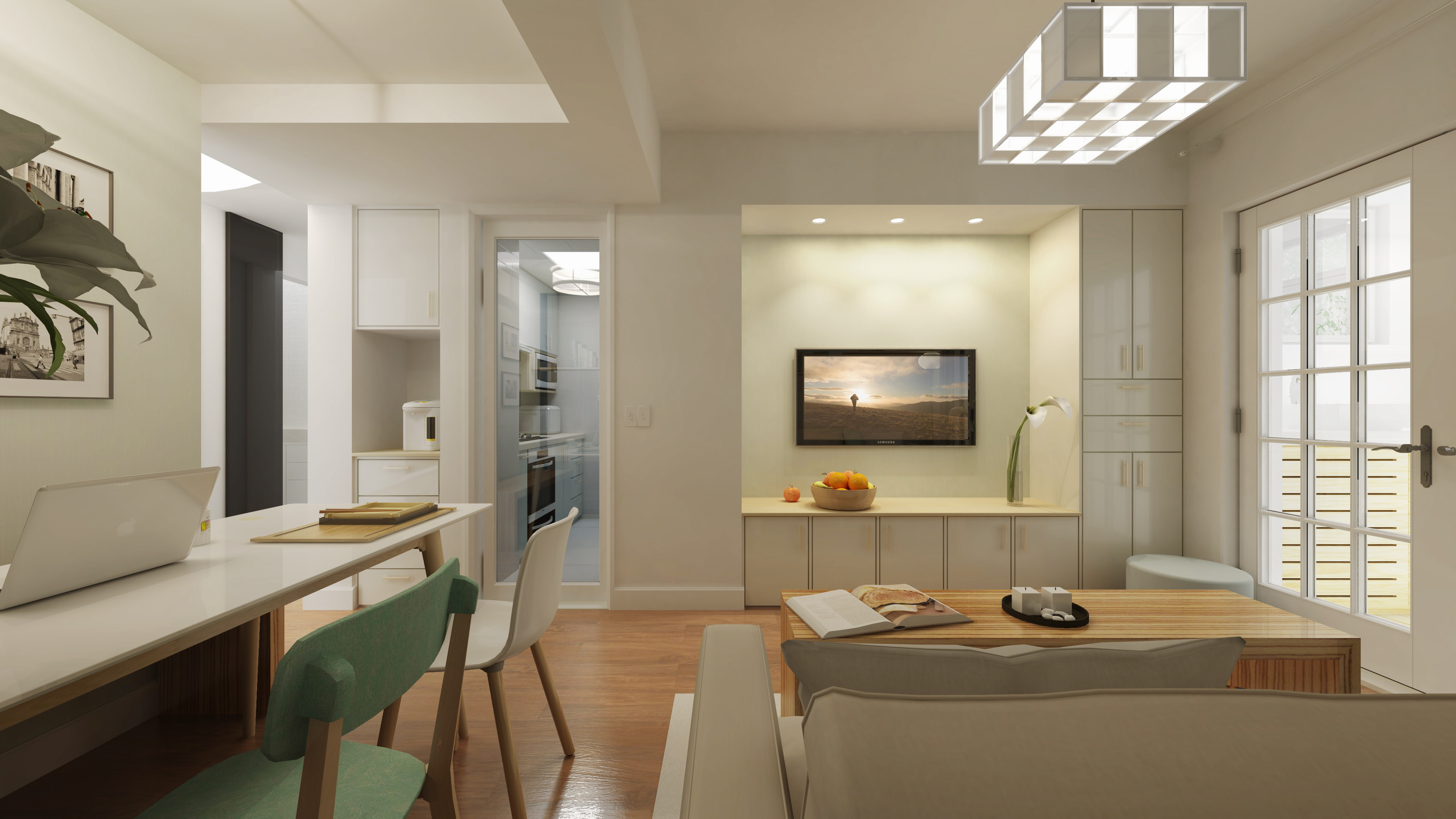
The below is another example of the quality soft shadows you can obtain with SU Podium 1.7.1.  Soft shadows look good even at 640X480 (click on image to view much larger resolution) Image: courtsey of Sepo.
|